·
What is a VPN? Meaning and what it’s used for
A VPN (virtual private network) is a tool that creates an encrypted tunnel for your data, protects your online identity by hiding your IP address, and allows you to enjoy increased security on all networks. With a VPN, you can protect your internet connection and increase your privacy online.
What does a VPN do?
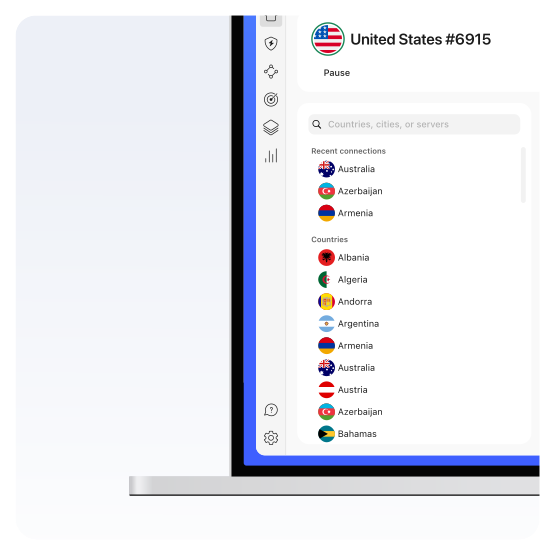
A VPN reroutes your traffic through a remote server, encrypting it in the process, and protects it from snoopers. It also changes your IP and virtual location — your real one remains private, and you get a new IP that belongs to the VPN server you're connected to. This ensures extra security and significantly increases your privacy online — no one knows what city or country you're browsing from.
If you want to keep your browsing private, reduce your digital footprint, and increase your online security, then a VPN is a perfect tool to do it. But a VPN might not be needed if you don’t have any privacy concerns, only use trusted secure websites, and don’t care about third-party tracking.
What is a VPN used for?
You should use a VPN whether you’re browsing, streaming, gaming, or shopping. Why? Because these days, your every click online is being recorded — and no one likes to be watched or tracked, even if they have nothing to hide.
Why choose NordVPN?
If you’re looking for the best VPN out there, give NordVPN a chance. It’s fast, reliable, and offers flexible plans suited to your needs.
How does a VPN work?
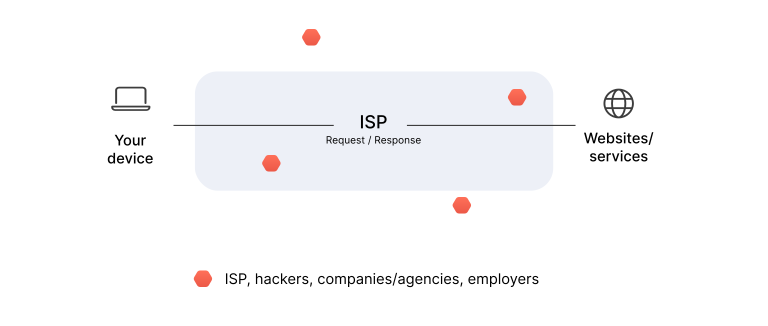
A VPN works by creating a secure encrypted connection between your device and a remote server. This way, your data can travel in secrecy instead of through your internet service provider. A VPN changes your real IP address and encrypts your internet connection to make your browsing safer and more private.
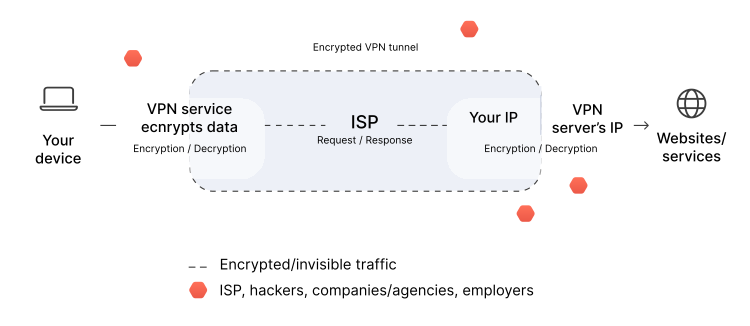
Want to use a VPN to its full potential? Then it’s worth finding out how a VPN works and what’s going on behind the scenes.
- 1.
Authentication. When you connect to a virtual private network service, it authenticates your client with a VPN server.
- 2.
Encryption. The server then applies an encryption protocol to all data you send and receive.
- 3.
Tunneling. The VPN service creates an encrypted “tunnel” over the internet. That secures the data traveling between you and the VPN server.
- 4.
Encapsulation. To ensure each data packet stays secure, a VPN wraps it in an outer packet, which is then encrypted through encapsulation. That is the core element of the VPN tunnel, keeping the data safe during transfer.
- 5.
Decryption. When the data arrives at the server, the outer packet is removed through a decryption process.
What are the components of a VPN?
Why use a VPN?
Using VPN apps makes your digital life safer, easier, and smoother. You can find many benefits of using a VPN, but the main ones are:
Privacy online
Changing your IP address, hiding your virtual location, and encrypting your connection allow you to increase your privacy online.
Digital security
A VPN shields you from cyber threats, like man-in-the-middle attacks, packet sniffing, and dangerous Wi-Fi networks.
Open internet
With a VPN, you can avoid censorship and restrictions and enjoy the free and open internet.
Safe data sharing
Share files securely while at home or at work — a VPN encrypts your connection so that no snoopers can see what data you’re transferring.
How secure is a VPN?
Encryption is the main factor determining the security of a VPN. Most modern VPN services rely on AES-256 encryption to protect their users’ data in transit. Using secure VPN protocols like OpenVPN or IKEv2/IPSec, along with features like kill switches and DNS leak protection, also helps increase the overall security of a VPN.
How does a VPN protect you?
A VPN protects you by encrypting your internet connection and changing your IP address. Some may also offer additional security features to secure your online accounts, files, and devices.
What are the disadvantages of using a VPN?
Using a VPN will give you more peace of mind, but it does come with a few caveats:
Reduced speeds
The encryption process and the extra distance your data travels to and from the VPN server will slow down your connection at least a little bit.
Compatibility issues
Some websites or services may block or restrict access from known VPN servers.
Cost
Reliable and secure VPN services will require a subscription.
CAPTCHAs
Using a VPN can make your encounter more CAPTCHA prompts.
What are the different types of VPNs?
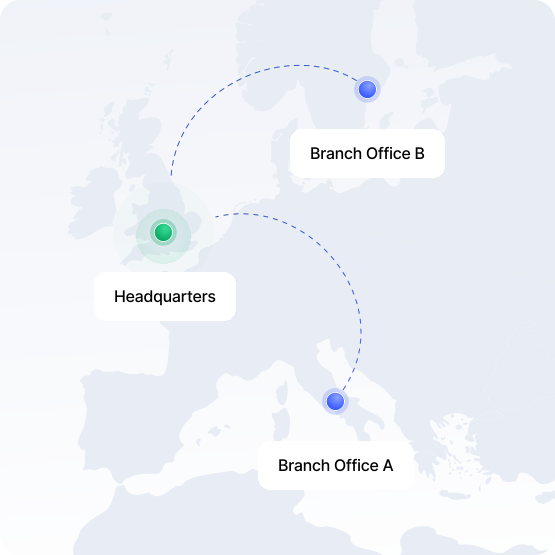
There are many VPN types, but the vast majority of them fall into five main categories:
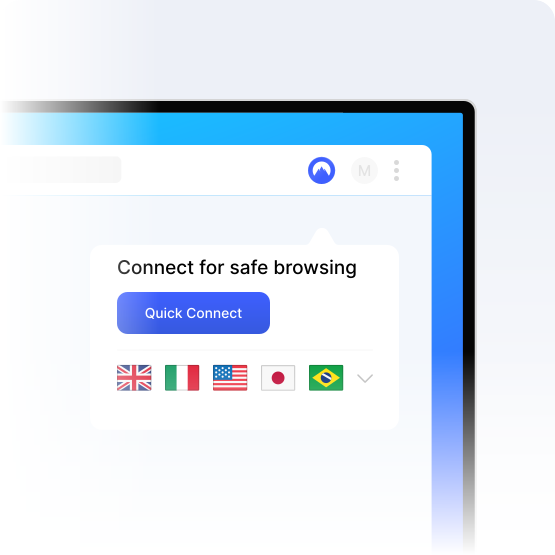
Most consumer-grade VPNs are classed as personal VPNs, including NordVPN. They are very similar to remote-access VPNs in operation, but instead of connecting to a proprietary restricted network (such as your workplace), you connect to your VPN provider’s servers for protection and privacy while you explore the internet. Personal VPNs are best for individual users’ needs.
What are the types of VPN protocols?
Different types of VPN protocols have different advantages, so most VPN providers offer at least two. NordVPN allows you to choose between OpenVPN, NordWhisper, and NordLynx protocols in its apps, and you can also opt for IKEv2/IPSec protocol for manual configurations.
OpenVPN
IKEv2/IPSec
WireGuard®
NordLynx
L2TP/IPSec
PPTP
SSTP
NordWhisper
How to choose the right VPN
Not all VPNs are created equal. Before choosing a VPN, you need to look at the speeds and server locations they offer, compare prices, discover their security features, and check compatibility:
Privacy and security features
Strong encryption is essential for efficient VPN protection and making sure your online activity remains private. Look for a secure VPN that offers robust encryption algorithms, has a no-logs policy, and additional features like a kill switch.
Server network and locations
Distance matters — the longer your data has to travel, the more time it takes for your device to load a page or connect you to a service. A wide range of VPN servers in multiple locations allows you to have a faster and more stable VPN connection.
Connection speed and performance
Slow internet can ruin your day (or night). Fast connections are essential for secure streaming, gaming, and downloading large files. A high-speed VPN maintains performance without compromising security, so look for one that offers a WireGuard-based VPN protocol.
Unblocking internet access
A good VPN will allow you to avoid censorship and access the internet without any risks. Some authoritarian regimes use content filtering to ban content that doesn’t align with their ideology. Get a safe and reliable VPN that can help you avoid censorship.
Number of simultaneous connections
If you use more than one device, look for a VPN that supports multiple connections. A good VPN allows you to use one account to secure 10 devices or more, ensuring all your gadgets are protected.
Reputation and reviews
The experiences of other users can help you determine if a VPN is worth your trust, time, and money. Do your research, look for the best VPN among Reddit users, or check out detailed VPN reviews and comparisons on tech websites.
Customer support
Most personal VPN apps are intuitive and easy to use, but that doesn’t mean you will never run into any problems. Therefore, a reliable customer service that’s available round the clock to address your questions and concerns is essential.
Pricing and plans
When you start comparing VPN prices, you’ll soon notice a huge cost difference among different VPN providers. The prices vary greatly because of the features and services that are included in the plan. So look for a service that offers flexible plans that best fit your needs and budget.
Extra security features
Some VPN providers offer additional features that improve your overall digital security. For example, NordVPN offers Threat Protection Pro™, an anti-malware tool that helps you avoid malware, phishing, and ads.
What makes a good VPN?
A good VPN should prioritize strong security, encryption, and a no-logs policy. Making VPN connections as fast as possible is also essential for a smooth user experience. After optimizing speed and security, a good VPN should focus on additional privacy protection and security features, like dark web monitoring, anti-malware, and IP and DNS leak prevention.
How can you choose the right VPN for your internet browser?
How can you choose the right VPN for your mobile phone?
How can you choose the right VPN for your operating system?
How to use a VPN
Using a VPN is very straightforward — most providers have user-friendly processes in place.
01
Choose a VPN provider
Select a VPN provider that meets your needs, get a subscription, create an account and download the app.
02
Log in
Once installed, open the app, and log in with your credentials.
03
Connect to a VPN server
Pick a server in a country you want or, if the app offers it, use the automatic connection feature that chooses the best server for you.
04
Customize VPN settings
Explore your VPN app's settings to customize your preferences — change the VPN protocol, enable security features, or set up a kill switch.
How to test if a VPN is working
VPN testing is an important part of your cybersecurity routine — you have to make sure it’s working as intended:
01
Compare your IP address
First, check your real IP address. Then, connect to your VPN and check again. Your IP address should change to the location of the VPN server.
02
Perform a DNS leak test
Use a DNS leak test tool to make sure that your DNS queries are also private.
03
Test the VPN speed
Check your connection speed before and after connecting to the VPN using a speed testing site. A slight drop in speed is normal and expected, but significant slowdowns may point to issues with the VPN service.
How much do VPNs cost?
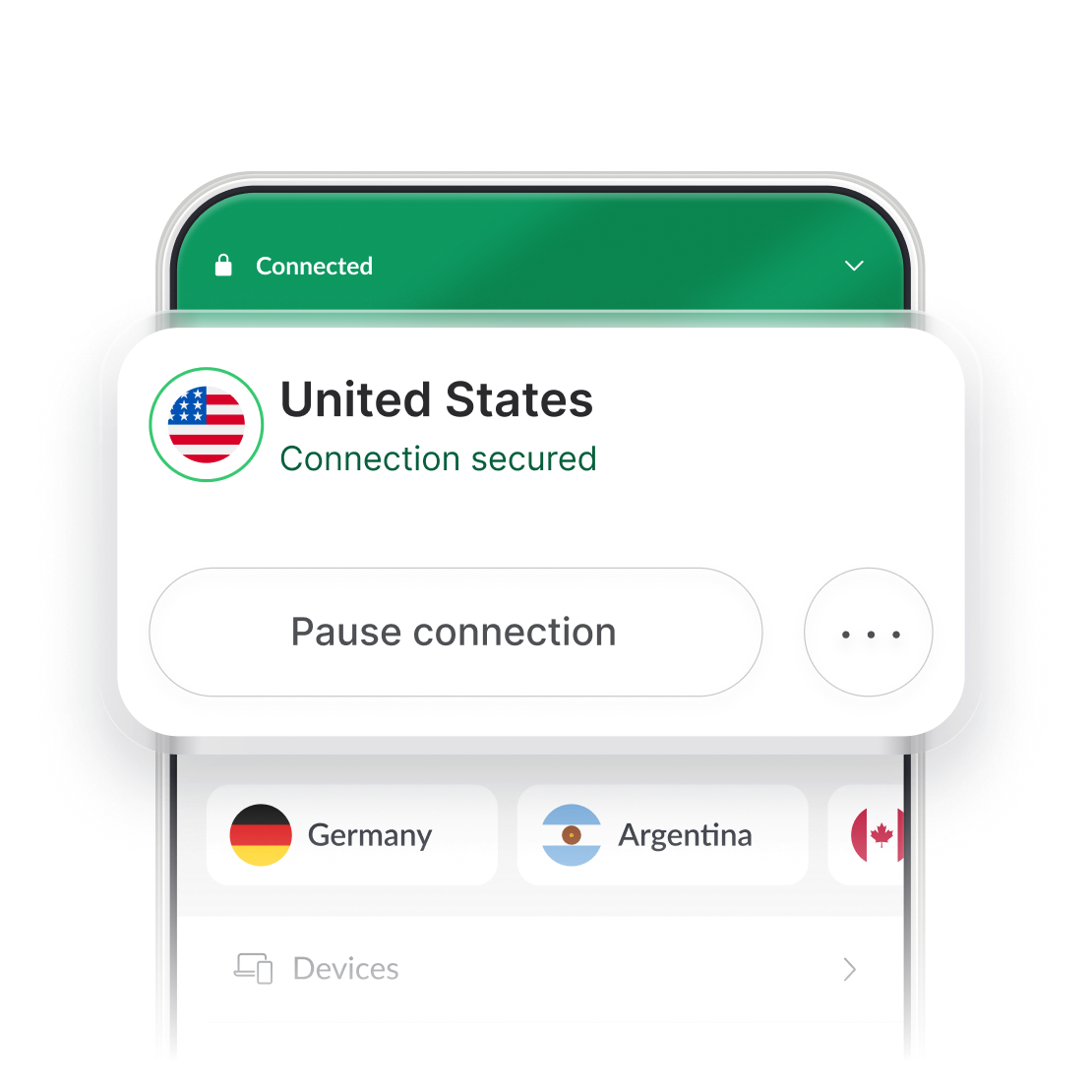
Most VPNs cost as little as a few dollars a month. You might think that since there are many free VPNs available, there’s no reason for you to buy a subscription. However, you get what you pay for. And in the case of free VPNs, it’s not much. They are often very slow, unstable, the servers are overloaded and can crash at the worst moments. Furthermore, free VPNs usually have no respect for your data and will sell it to make money off of you.
So why risk it? Get a reliable paid VPN service that will work when you need it to, and only for a few bucks per month. The longer the commitment – the better the price.
What do you need to know about VPNs?
By now, you’re familiar with the basics of VPNs — encryption algorithms, different protocols, types, use cases, advantages, and disadvantages. Let's cover the rest.