Download the fastest¹ VPN app for your device
Use a VPN app as a gateway to your online privacy and internet freedom.
Includes a next-gen antivirus and Meshnet.
Try it risk free with a 30-day money-back guarantee.
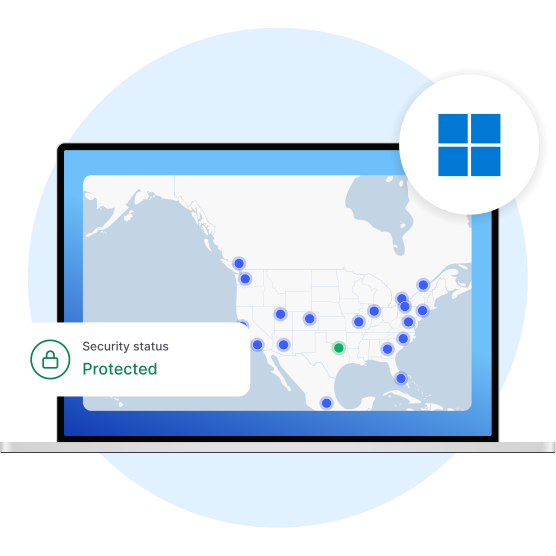
Available on
Available on
How to download a VPN app
03
Connect to a VPN
Choose a VPN server and connect.
What is a VPN app?
A VPN app is a software application that secures the internet connection on your device and gives you more online privacy. A VPN works in the background to send the traffic traveling to and from your device through a secure, encrypted VPN tunnel. It also hides your IP address and virtual location and makes it harder for hackers to target you.
VPN apps allow you to use a VPN connection on various devices, including Windows PC, MacOS, Linux, Android or iOS phones, tablets, and even smart TVs.
What are the benefits of using a VPN app?
Securely access content
Safely catch up on legal content from your home country anywhere, even abroad. Using a VPN on your device gives you more online freedom while protecting your online traffic.
Change your IP address
Connect to a VPN server in your chosen location, and it’ll look like you’re browsing from there. Hide your virtual location from snoopers and enjoy more online privacy.
Protect your device
Boost the security of your device when using public Wi-Fi. A VPN secures your internet connection with encryption and blocks many online threats.
Free VPN download options
Free VPN download options include limited versions of paid VPN services, ad-supported apps, data-capped plans, and basic mobile-based tools. These options may provide some temporary privacy benefits, but speed or data restrictions as well as weak security features will likely result in a poor experience.
Free VPNs offer some basic privacy features such as changing your IP. People also use free VPN apps to bypass government censorship, access their services on restrictive networks, and boost their privacy. However, the severe limitations of free VPNs, such as weak encryption, ads, and data caps, can make these goals difficult to achieve.
Looking for a free VPN?
Existing users can refer friends and get free VPN subscription time — three months!

Advanced features offered by NordVPN


Why choose NordVPN?
NordVPN is a trustworthy VPN provider with a range of features that enhance your online security, privacy, and freedom.
Security | Strong AES-256 encryption |
|---|---|
Covered locations | 224 |
Protocols | NordLynx, NordWhisper, IKEv2/IPSec*, OpenVPN |
Specialty servers | Obfuscated, Double VPN, Onion Over VPN |
Devices | 10 |
VPN bandwidth | Unlimited |
Leak prevention | DNS and IP |
Money-back guarantee | 30 days |
Customer support | 24/7 by email or live chat |
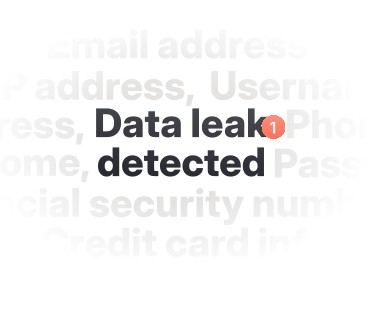
Advanced features | A next-gen antivirus, Meshnet, Dark Web Monitor |
* Requires manual setup.
Learn more about using a VPN app
Want more information about using a VPN on your device? We’ve compiled some helpful resources below.



But don’t just take our word for it
Is NordVPN the best VPN app for privacy? Let’s ask our users and tech experts.


























Hassle-free setup and 30-day money-back guarantee
Secure your internet traffic, change your virtual location, get more online privacy — and enjoy your favorite paid online content from home with a risk-free VPN. If you are not 100% satisfied, tell us within 30 days of the purchase date and get a full refund.