How to use a VPN to get cheaper flights
To get cheaper flights, search with flexible travel dates, set fare alerts, compare the same route across several booking sites, and then use a VPN to see how fares appear from other regions. A VPN masks your real IP address, which lets you explore flight prices as if you were browsing from a different part of the world.
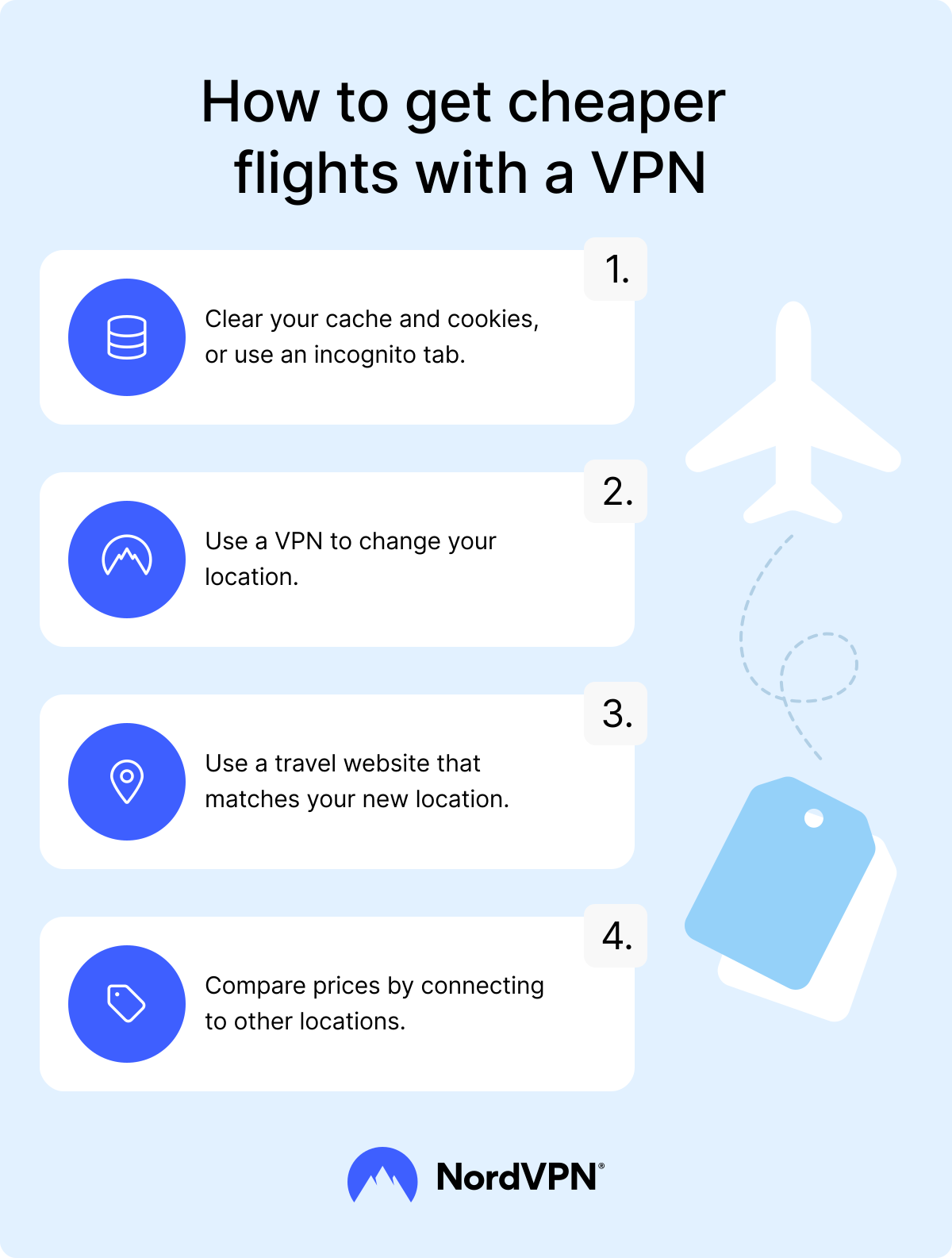
Using a VPN to help you get cheaper flights is simple:
- 1. Choose a reputable VPN provider and get a subscription.
- 2. Download and install the VPN app on your device.
- 3. Open the app, create an account if needed, and sign in.
- 4. Connect to a VPN server in the location you want to test (for example, the best VPN country could be the airline’s home country or a lower-income country).
- 5. Open a new incognito window. Make sure to do this after you connect to the VPN to ensure the browser session starts with your new location.
- 6. Go to the flight booking site. Match the URL to your VPN location if a specific regional site is available (for example, if you connected to the UK, type in the “.co.uk” address instead of your usual home version). Doing so can help prevent the site from redirecting you back to your true location.
- 7. Check the price and write it down.
- 8. Close the incognito window to automatically wipe your cookies, session data, and cache.
- 9. Change your VPN server location and open a fresh incognito window to compare a new price.
Why do flight prices vary?
Airlines and booking sites use dynamic pricing, which means they raise or lower fares in real time according to demand, competition, route data, timing, and customer signals. Those signals can include your location, browsing behavior, device data, account details, and cookies.
These inputs help explain why the same route can show different prices depending on where, when, and how you search.
- Popular routes can cost more. If a specific destination is trending in your country, airlines often increase the fares specifically for your region to capitalize on the demand.
- Routes with less competition are usually more expensive. If only one airline flies a specific route, it faces no direct competition and can charge whatever it wants. If several airlines fly the same route, competition can help push prices down.
- Wealthier markets can face higher standard fares. Airlines may adjust base fares by market because travelers in different countries have different average incomes and spending patterns. For example, NordVPN’s research on price differences found lower prices on travel sites like Hertz, Agoda, Hotels.com, and Booking.com when users browsed from outside the US.
- Peak travel dates can raise fares. Bank holidays, school breaks, major festivals, and busy vacation periods increase demand, so airlines may charge more for those dates.
- Airlines may discount flights from their home hub. Some carriers offer cheaper fares or regional deals to customers who book from the airline’s home country or hub region.
- Currency differences can affect prices. If your home currency is strong, you might get a better deal by paying in a weaker currency.
- Search history can signal strong purchase intent. If you search for the same flight repeatedly on the same device, some booking systems may use cookies, account details, or device data to change the prices or offers you see.
How do airlines know your location?
Before you change your virtual location, it helps to understand how airlines and booking sites estimate where you’re browsing from. They use a mix of digital clues to decide which regional version of a site or fare to show you. The first and most important clue is usually your IP address.
IP addresses
Websites usually determine your location from your unique IP address, which stores your location information. It can show websites exactly where you are, right down to your city and country. Airlines analyze this data and use it to adjust the fares for your region.
Cookies
Cookies are small text files stored in your browser. They help websites remember your activity, such as routes you’ve searched for, preferences you’ve selected, and whether you’re signed in. Airline websites and booking platforms may use cookies to recognize repeated searches for the same route, which can influence displayed prices.
Clearing cookies can remove some tracking history from your browser, but it may not fully reset the price you see. Airlines and booking sites can also estimate your location through your IP address, so clearing cookies might not be enough. To compare ticket prices with fewer location and browsing signals, use a clean browser session with a VPN.
Mobile tracking
When you browse on a mobile device, tracking is often more precise than on a desktop. Mobile apps and browsers can access GPS data if you have granted location permissions. Unlike an IP address, which reveals your internet location, GPS pinpoints your exact physical location, which a VPN can’t change.
Browser HTML5 geolocation
Most modern browsers support the HTML5 geolocation API to determine your location with high accuracy. This feature uses a combination of GPS, Wi-Fi signals, and cell tower triangulation to identify where you are, often down to the street level. If you grant a booking site permission to access your location, it can bypass your IP address to see your true whereabouts.
Wi-Fi
Websites and search engines can also determine your location by analyzing the Wi-Fi network you are using. Companies like Google map the SSIDs (network names) of Wi-Fi routers to specific geographic locations. If you connect to a mapped Wi-Fi hotspot, websites can identify your location even without GPS data.
Other proven ways to find cheaper flights
Before you test prices with a VPN, use the tactics that work across most routes: flexible dates, comparison sites, price alerts, smart booking windows, seasonal sales, and reward programs. These methods give you a more reliable starting point because flight prices change by route, date, demand, airline, and availability.
- Use flight comparison sites. Platforms like Google Flights, Skyscanner, and Kiwi gather information from multiple airlines to show you the cheapest available options across different dates.
- Set price alerts. Most booking platforms allow you to set alerts for specific routes and dates. You’ll get an email or app notification when prices drop, which can help you catch temporary fare changes.
- Search with flexible travel dates. Flying a day or two earlier or later can change the fare, especially during weekends, school breaks, holidays, and major events. Use fare calendars to find cheaper departure and return dates.
- Check nearby airports. Flying from or into a nearby airport can sometimes lower the fare, especially if the alternative airport has more airlines, cheaper routes, or lower demand. Compare the total cost before you book, including transport to and from the airport, baggage fees, and extra travel time.
- Book in advance. For many routes, booking around one to three months ahead for domestic flights and around two to eight months ahead for international flights can help you avoid last-minute price spikes. If you’re researching how to get cheaper international flights, start tracking fares early because long-haul prices can change months before departure. The best booking window still depends on the route, season, airline, and demand.
- Check for seasonal sales. Many airlines and booking platforms run travel deals around Black Friday, Cyber Monday, Boxing Day, January sales, and off-season travel periods.
- Use reward programs. Frequent flyer miles, credit card points, and airline loyalty programs can lower the amount you pay out of pocket for flights, upgrades, baggage, or seat selection.
What is the best VPN location to find the cheapest airline tickets?
There is no single “best” or cheapest country that guarantees cheap flight tickets every time because pricing models are highly complex. However, you can narrow down your search by testing specific locations that logically correlate with lower fares.
A good strategy is to check flight prices by connecting to a server in the destination country. Domestic or local fares are often cheaper than international ones. Additionally, try connecting to the airline’s home country because carriers may offer preferential rates to their local market.
Finally, experimenting with servers in countries with a lower cost of living can sometimes reveal better flight deals due to currency differences or lower average local purchasing power. Some travelers report success when connecting to servers in India, Malaysia, Turkey, Mexico, Argentina, Thailand, and Brazil.
What are the downsides of using a VPN to check fares?
While effective, using a VPN for flights does have potential downsides to consider:
- Some travelers on forums report that booking a local fare without being a resident could lead to issues at the gate, though actual instances of passengers being denied boarding or having tickets canceled are rare.
- If you try to book a flight priced for a specific country using a credit card from a different region, the airline’s fraud detection system may flag the transaction or block the payment.
- Some airlines use fraud detection systems to look for mismatches between your IP address and your billing details. If they flag a discrepancy, they reserve the right to cancel the ticket for violating their point-of-sale rules. While ticket cancellation is rare, it can theoretically happen at any time, potentially leaving you stranded without a valid ticket or a refund.
- Connecting through a server in another country often means the website will display in a local language and currency. Auto-translation errors could lead to mistakes in your booking details.
What else can a VPN do while you travel?
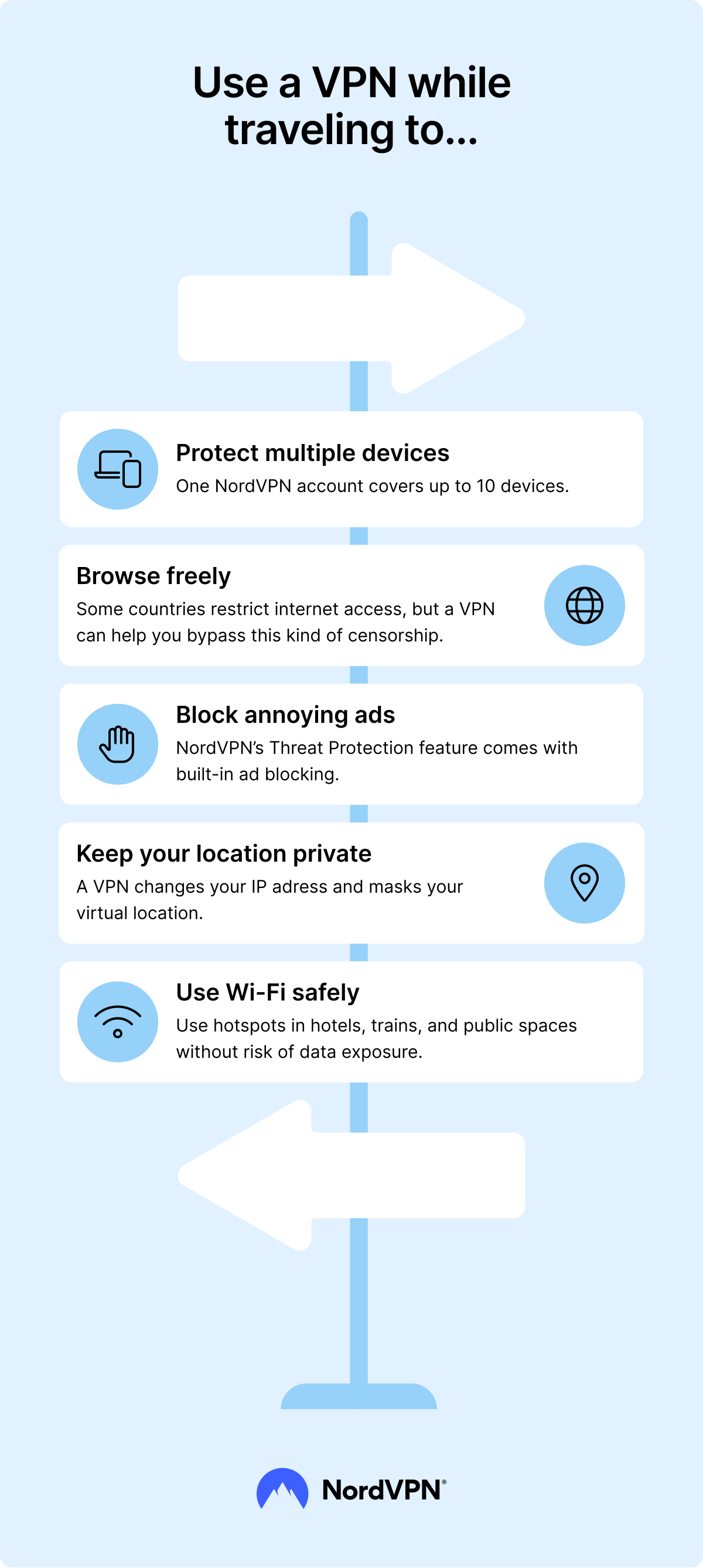
Beyond checking region-specific flight prices, the benefits of a VPN while you travel include stronger privacy on shared Wi-Fi, less exposure to tracking, and safer browsing. A VPN can:
- Improve your digital privacy. A VPN encrypts your internet traffic, which makes it harder for snoopers, internet service providers (ISPs), and cybercriminals to see what you do online.
- Secure your connection on public Wi-Fi. A VPN encrypts your connection on public networks in places like airports, hotels, and cafes, where shared Wi-Fi may be less secure.
- Minimize bandwidth throttling. ISPs can sometimes slow down your connection based on your online activity, such as streaming or gaming. A VPN masks your traffic type, which can reduce activity-based throttling.
- Boost your device security. Beyond VPN encryption, NordVPN’s next-gen antivirus helps identify malicious files, block intrusive trackers, and warn you about dangerous websites.
- Access websites blocked on local networks. Some hotels, airports, schools, workplaces, or public Wi-Fi networks may restrict access to certain sites. In those cases, a VPN can help you access blocked websites while giving you more privacy on shared networks. However, always follow local laws, platform terms, and network rules.
Online security starts with a click.
Access flight prices from any region and protect your data while you travel.
Disclaimer: The trademarks referenced are for illustrative purposes only. NordVPN is not affiliated with, sponsored by, or endorsed by the owners of those trademarks.
