·
Usare Twitter con una VPN
Una volta ottenuta una VPN per Twitter (X), puoi usare questo social media da qualsiasi luogo.

Come sbloccare Twitter con una VPN
Bastano tre semplici passaggi per potenziare la sicurezza online su Twitter.
2
Scarica l'app per il tuo dispositivo.
3
Connettiti a un server VPN. Facile, no?
Garanzia di rimborso di 30 giorni
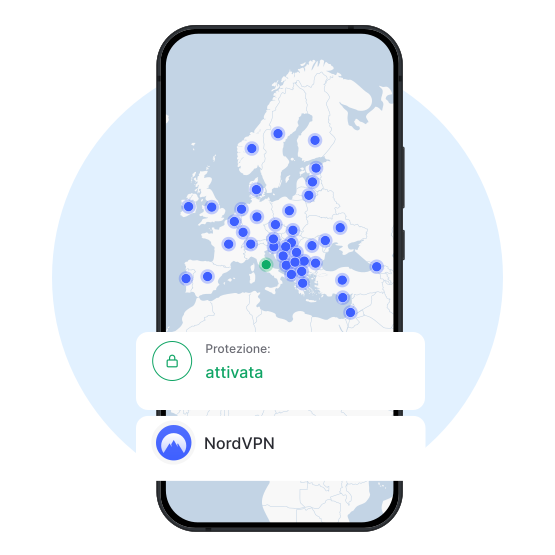
Come funziona una VPN per Twitter
Come molti altri servizi, Twitter (conosciuto ufficialmente come X) potrebbe essere bloccato in alcune aree geografiche o su certe reti. È in casi come questi che una rete privata virtuale (VPN) può tornare utile. Connettiti a un server VPN in un paese in cui la piattaforma è disponibile e sblocca X in un attimo.
Inoltre, una VPN crittografa il traffico e nasconde l'indirizzo IP ai ficcanaso, offrendoti maggiore controllo sulla privacy. Potrai quindi godere di una maggiore sicurezza sulle reti Wi-Fi pubbliche in aeroporti, bar, scuole, ecc.
Perché Twitter viene bloccato in alcuni paesi
Nonostante sia una delle piattaforme di social media più popolari al mondo, Twitter viene bloccato in alcuni mercati per diversi motivi, come la censura e il controllo dei contenuti. Se non riesci ad accedere a Twitter nella tua area geografica, usa un servizio VPN affidabile per aggirare queste restrizioni. Alcune reti, come quelle scolastiche o aziendali, possono bloccare l'accesso a Twitter per evitare distrazioni e favorire la produttività. Per evitare le politiche restrittive della rete locale e i firewall, usa il protocollo di NordVPN NordWhisper. Offre una solida sicurezza e ti permette di aggirare i filtri di rete che bloccano il traffico VPN tradizionale.
Sblocca i tuoi siti preferiti con una VPN
Aumenta la tua sicurezza web e accedi ai contenuti che ti piacciono, da qualsiasi luogo.