·
The best VPN for Android*: NordVPN APK download
Get a user-friendly VPN app for Android devices (9.0 or later).
Improve your phone’s online security and privacy on Wi-Fi and mobile networks.
Enjoy an ultra-fast connection and block malicious sites on your phone.
Get the APK version and reduce malicious websites, trackers, and ads.
*Information related to "Best VPN" is supported by multiple sources (unless specific ones are mentioned), including, but not limited to, editorially independent evaluations and insights, as well as statements from media articles, some of which were published through paid partnerships.
Available on
Available on
What is an Android VPN app?
What is a VPN? A VPN app for Android is a service that protects your online traffic and virtual location on Android devices, including smartphones, tablets, and TVs. It creates a secure connection between your Android device and the VPN server, changing your IP address and preventing others from spying on your online activity.
What are the benefits of using a VPN for Android?
Speed, security, privacy, and accessibility — an all-in-one package for Android phones and tablets. Discover the advantages of a VPN:
Strong encryption
Don’t want snoopers looking in? Secure your internet connection with robust next-gen VPN encryption.
Global VPN server network
More servers globally means there’s always one nearby for a fast mobile connection and fewer interruptions.
No user tracking
NordVPN doesn’t track or sell your internet activity data to third parties — and we have undergone multiple independent assurance engagements to prove it.
Kill Switch
With Kill Switch, you can protect your internet traffic from being exposed if your VPN connection unexpectedly drops.
Protect multiple devices
Secure up to 10 devices with a single account, including a range of Android devices — from phones to smart TVs.
User-friendly app
The NordVPN app for Android is easy to set up and simple to use — you can install it on your smartphone, tablet, or Android TV.
24/7 customer support
Get help and advice from our friendly customer support team through email or live chat, or visit our Support center.
Additional protection
What makes NordVPN better than a free VPN? Our apps offer additional protection that reduces the number of malicious ads, websites, and trackers you encounter.
How to set up a VPN app on an Android device
You can set up a VPN on any Android device in a few simple steps by following our guides.
Installing an Android VPN app
The easiest way to get NordVPN on your Android phone or tablet is by installing the dedicated app. You can do so in two ways:
NordVPN website
To use the NordVPN version that blocks ads, download the VPN APK below. Make sure you’ve enabled downloads from unknown sources beforehand.
Google Play Store
After you download and install the NordVPN app, log in and follow the steps on the screen to set it up. While this version offers a 3-day free VPN trial for first-time users, it doesn’t block ads due to the Google Play Store’s policies.
Setting up a VPN on Android TV or Fire TV Stick
All Android devices, including Amazon Fire TV Stick, have dedicated NordVPN apps you can download.
To get a VPN for your Android TV or Android TV box:
01
Use the Google Play Store
This option is available for most Android TVs and Android TV boxes — just download the NordVPN app from the Google Play Store.
02
Download the APK file
Manually download and install the NordVPN APK file on your Android TV or Android TV box.
03
Install a VPN on your router
Install a VPN on your Wi-Fi router and protect all your connected devices — including the TV.
Understanding VPN APKs
Android users are bound to encounter AKP files from time to time — they allow you to get an app directly from the developer instead of the Google Play Store.
What is a VPN APK?
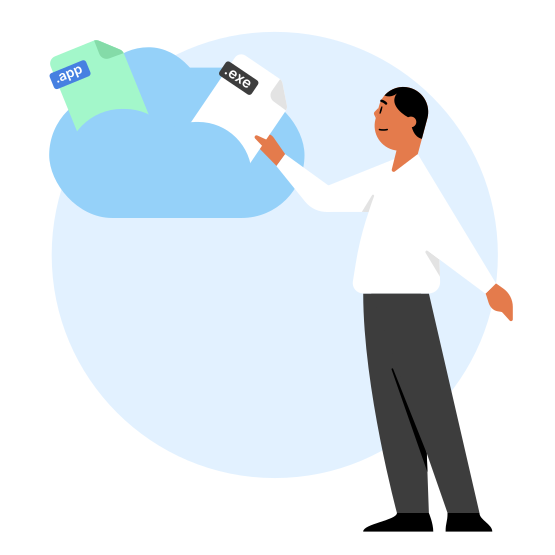
A VPN APK is a file that contains the software needed to install a VPN on an Android device. APK stands for “Android application package” — a file format that installs apps on Android devices. Like an EXE file on Windows or an IPA file on iOS, it contains all the information an app needs to install in one place.
What is a modded VPN APK?
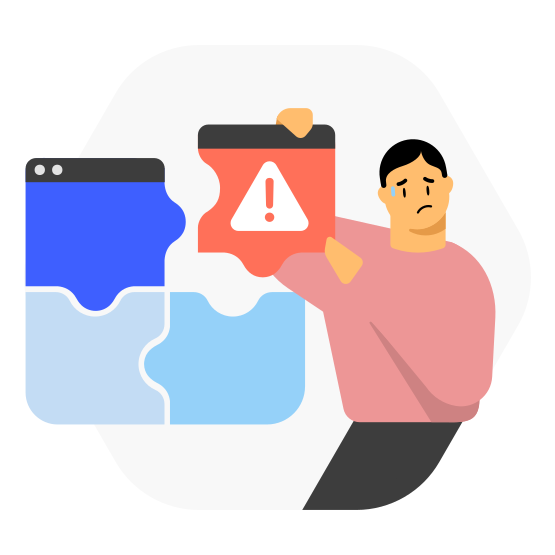
A modded VPN APK is a modified version of a VPN application, altered by unauthorized third parties to add or remove features, often to gain free access to premium subscriptions benefits or bypass restrictions. Some third-party sources offer modded NordVPN APKs, but it’s not the same NordVPN app you can download from this page or the Play Store. In fact, a modded app version is a serious security risk — it can do a lot of damage and even steal your VPN credentials.
NordVPN APK vs. MOD APK: Features and risks
| | NordVPN APK | MOD APK |
|---|---|---|
| Source | Can only be downloaded from the official NordVPN website or the Google Play Store. | Shady, third-party websites. |
| Security | The app is updated and maintained by its creators. | Less secure — cannot be updated. |
| Privacy | NordVPN doesn’t keep any activity logs. | Your activity can be tracked by unauthorized third parties. |
| Compatibility | Optimized for various devices. | May not be compatible with all devices. |
| Support | If you experience connectivity issues, you can contact our support team 24/7. | NordVPN doesn’t support modded VPN APKs, so the support team won’t be able to help. |
| Risk | No risk when using the official app. | Can be used to steal user credentials. |
| | NordVPN APK | MOD APK |
|---|---|---|
| Source | Can only be downloaded from the official NordVPN website or the GooglePlay Store. | Shady, third-party websites. |
| Security | The app is updated and maintained by its creators. | Less secure — cannot be updated. |
| Privacy | NordVPN doesn’t keep any activity logs. | Your activity can be tracked by hackers. |
| Compatibility | Optimized for various devices and operating systems. | May not be compatible with all devices. |
| Support | If you experience connectivity issues, you can contact our support team 24/7. | NordVPN doesn’t support modded VPN APKs, so the support team won’t be able to help. |
| Risk | No risk when using the official app. | Can be used to steal user credentials. |

30-day money-back guarantee
Increased online privacy and security is just one click away. Enjoy full access to all NordVPN features completely risk free. If you are not 100% satisfied, tell us within 30 days and get a full refund.