·
What is the IP lookup tool?
The IP lookup tool is a free service that lets you find IP address information: approximate geolocation, hostname, and its user’s internet service provider. Enter either an IPv4 or IPv6 — both protocols are supported.
What information can an IP address reveal?
Looking up an IP address can provide a lot of information about the device and network associated with that IP address. Here’s what you can find out by looking up someone’s IP.
| IP geolocation | Looking up an IP address shows you the geolocation of that IP address, including the country, state, city, and zip code. |
|---|---|
| Internet service provider (ISP) | Your public IP is given to you by your ISP (internet service provider). Looking up someone’s IP address also reveals their ISP. |
| The IP’s hostname | NordVPN’s IP lookup tool also shows you the IP’s hostname (its unique name on the network). |
What information can’t an IP address reveal?
| The exact location | An IP address can’t reveal the user's exact address. It can only indicate a broad area through IP geolocation (typically the city or region), not a street, apartment number, or precise coordinates. |
|---|---|
| Phone number and other contact details | An IP lookup cannot provide personal identifiers. It won’t show a person’s name, phone number, or email address. Subscriber information sits with internet service providers and isn’t part of public IP search results, so an IP alone can’t be used to identify an individual. |
IP lookup, IP checker, IP locator, IP tracker — what’s the difference?
Although these terms are often used interchangeably, the tools have slightly different use cases.
IP lookup
Retrieves detailed data about an IP address (ISP, routing, registration).
IP checker
Verifies whether an IP is active or valid and displays basic checks.
IP locator
Determines the approximate geographic region or city of an IP.
IP tracker
Monitors usage or history associated with an IP, flagging suspicious behavior.
What can you use the IP address lookup tool for?
You may want to use our IP lookup for several reasons — from curiosity to security concerns.
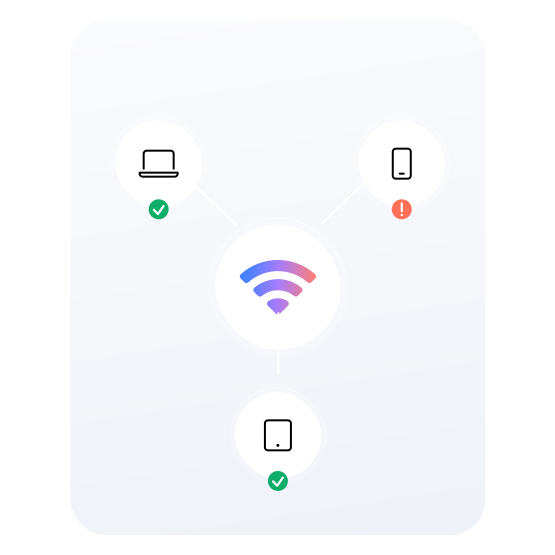
If a device you don’t recognize remotely joins your computer network, its IP address can be helpful in verifying this device. Looking up the device’s IP address may help you understand where the device is located and help you decide if you should block it from your network for security reasons.
Why should you hide your IP?
You may want to hide your IP address for several reasons — from privacy to online freedom.
Your IP can reveal your geolocation, ISP, browsing history, and some personal details to your service providers or advertisers. Cybercriminals can also use it to find out a great deal of personal information about you. If you hide your IP, snoopers can no longer spy on you online.
How accurate is NordVPN’s IP lookup tool?
No IP lookup tool is 100% accurate. Like other similar tools, NordVPN’s IP location finder searches an IP database for the IP address you enter. While IP databases are usually accurate, they typically take a while to update so may occasionally have discrepancies.
Other factors, like proxy or VPN use, may also affect IP search results. For example, if a user is connected to a VPN, you’ll see the VPN server’s IP address, not theirs. By connecting to a VPN server, browsing instantly becomes more private — no one can see the user’s actual approximate location or ISP anymore.
Reasons to hide your IP with NordVPN
NordVPN lets you mask your IP in just a few taps — but that’s not all it does.
Protect your IP in just a few clicks
Hiding your IP with NordVPN is easy — just follow these simple steps.

1. Get NordVPN
Buy a NordVPN subscription.

2. Download the app
Download NordVPN for your device.
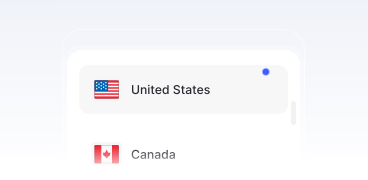
3. Connect to VPN
Choose a server or select “Secure my connection.”

Boost your privacy with NordVPN
Try NordVPN risk free with a 30-day money-back guarantee. Find the right plan — and hide your IP address today.