Disclaimer: The trademarks displayed are for illustration purposes only. NordVPN does not endorse or encourage purchasing products or services associated with them and is not affiliated with, sponsored by, or endorsed by their owners.
4 ways to change TikTok location
If you’ve been searching the app’s settings for a “change TikTok location” button, you won’t find one. Apart from many other factors, the app is designed to base your feed on where you live and what you interact with. While that’s great for staying on top of what’s trending locally, it means your access is limited to regional content. The good news is, you don’t have to stick with what’s nearby. Below are the four most reliable methods to change the TikTok location algorithm. Keep in mind, though, that none of these methods can single-handedly override all the signals TikTok uses. They can influence your feed, but they’re not foolproof.
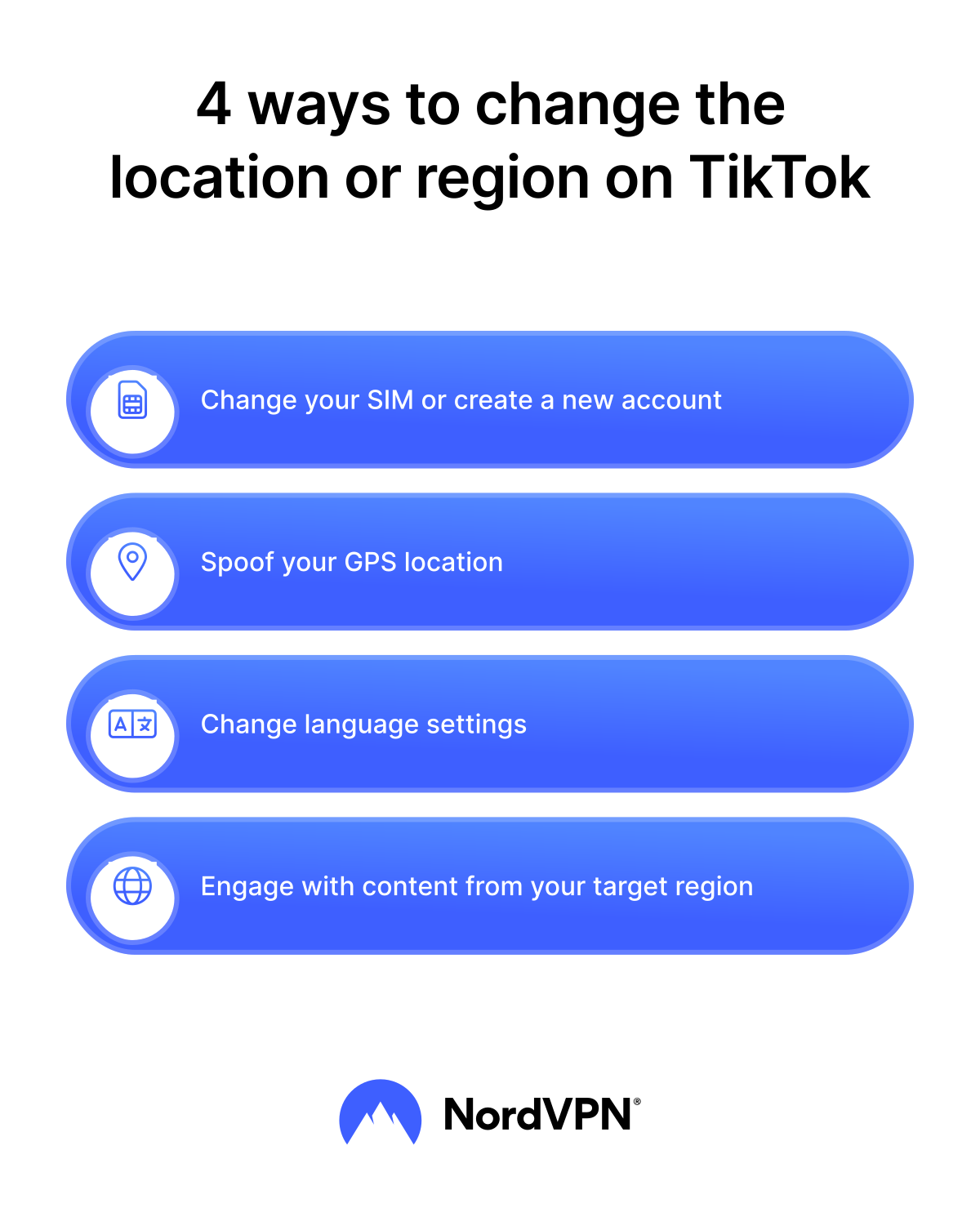
1. Switch the SIM card or create a new account
Your SIM card plays a role in how TikTok detects your region. If you insert a SIM card from a different country, the app may take this into account and gradually start showing you more content tied to that area. For example, if you live in the US but insert a UK SIM card, the app may show you more UK-based content, trending videos, and regional hashtags.
This trick works because the app considers SIM information as one of several signals when determining your location. However, it doesn’t override your actual network connection. If you insert a UK SIM while in the US, your phone will still connect to US towers, and TikTok may prioritize that data. While the SIM swap trick is an informal workaround and might work for both Android and iPhone users, it’s neither guaranteed nor an official way to change TikTok’s region settings.
Creating a new TikTok account is another option if you don’t want to swap SIM cards. A new account resets your data footprint, meaning you can set up your TikTok location from scratch. By linking it to a phone number from your target country, you make it easier for the TikTok app to detect that you belong in that region.
A new account wipes away old activity and gives the app fewer reasons to pull you back into your home region. Many video creators use this strategy when they want to reach audiences in a particular country without confusing their main TikTok account.
2. Spoof your GPS location
TikTok doesn’t just rely on SIM cards. Your GPS data is also a strong signal TikTok listens to when deciding what kind of region-specific content to give you. By changing your GPS location, you can trick the app into thinking your mobile device is in a different country.
Tools to change GPS location are widely available. For instance, if you want your TikTok region to show Japan, you could set the GPS to Tokyo. The TikTok app then picks up the new location data, but keep in mind that your feed won’t change instantly — the algorithm will still reflect your previous activity and will need some time to adjust to your new interests and location signals.
For Android users, you can enable developer options and use a reputable mock location app to set a custom GPS location. For iPhone users, GPS spoofing isn’t supported by default. It typically requires specialized software or jailbreaking the device. Remember that jailbreaking or using unofficial tools can make your device more vulnerable to security risks, reduce system stability, and may void your warranty. So proceed with caution.
Still, GPS spoofing isn’t foolproof. If your SIM points to one country and your GPS information to another, TikTok notices the mismatch.
3. Change TikTok’s language settings
You can also try playing around with your language preferences in the app itself. Setting the TikTok app language to match your desired region may send a signal to TikTok that you’d like to engage with more content in that language. For example, if you set your TikTok content preferences to Spanish and choose Spain, TikTok will begin adjusting what appears in your feed.
To change language settings, open TikTok, go to your profile, and tap on the hamburger icon (the three lines) at the top right of your screen. Then, choose “Settings and privacy” > “Language.” This method is particularly useful if you want to change your TikTok location without using any additional tools or apps.
Still, these settings don’t override the signals from your device’s IP address or your SIM. TikTok often treats them as suggestions rather than strict orders. Like the other methods mentioned, they’ll only help you influence which videos the TikTok algorithm shows you.
4. Change the algorithm manually
The best way to change your TikTok’s algorithm to reflect another location is through your activity. TikTok learns from your actions and preferences. What you like, share, and follow changes what TikTok shows you within days. You can use this to your advantage.
Follow creators in your target country, search local hashtags in the search bar, and like videos from that particular country. Over time, TikTok will notice that you’re engaging with other regions more than your home one. The algorithm will adjust, and you’ll see more relevant TikTok content from that region on your “For you” page.
This approach doesn’t directly alter TikTok location settings, but it tells the app what you want to see. It’s effective for those who want to explore other regions without tinkering with device settings.
Can I change TikTok location with a VPN?
A VPN (virtual private network) routes your traffic through a VPN server, which gives you a new IP address and virtual location. This process gives the impression that you’re browsing from a different region, which makes it seem like a great tool for TikTok.
However, TikTok doesn’t rely on your IP address information alone. It also considers other factors, such as SIM and GPS data, the app’s cache, and your App Store or Play Store account location.
That’s why simply using a VPN for TikTok might not be enough by itself. One possible workaround is to create a new App Store or Play Store account while connected to the VPN server, then re-download TikTok using this new account. Doing so can sometimes help the app register the new region, although not always.
Using NordVPN for TikTok
The steps of using a VPN for TikTok will certainly depend on the provider you choose. To do it with NordVPN:
- 1.Download the NordVPN app. Depending on your phone’s brand, download a VPN app from the Google Play Store or App Store.
- 2.Log in. Sign in to the app using your credentials or, if you’re a new user, sign up and get a NordVPN subscription.
- 3.Connect to a server. Choose your desired location from the server list or the map and tap on it to connect.
Now you can open TikTok and enjoy the content more safely.
Will TikTok work with a VPN?
Yes, the TikTok app works fine with a VPN. Many people use a VPN provider to access TikTok on restricted networks. A reliable VPN service makes your traffic look like it comes from another region, so you can open TikTok and browse more freely.
By routing your internet traffic through a remote server, a VPN assigns you a new IP address and can make it appear as though you're connecting from another location. This process helps avoid local restrictions and gives you uninterrupted access to the app. It can also improve stability on networks that throttle streaming platforms, making your overall TikTok experience smoother and more reliable.
Reasons to change your TikTok location
So why go through the effort of changing region on TikTok? You may want to change your location on TikTok to:
- Explore trends in other countries. Each region has its own culture on TikTok, including the humor, memes, and trending videos. By changing location on TikTok, you can discover what’s popular in different regions and compare the content with your own country’s.
- Expand as a creator. If you want to engage with audiences in France, Mexico, or another country, you need TikTok to show your content to people in that location. Plus, it’s necessary for knowing what’s relevant to that country’s audience.
Is it legal to change your location on TikTok?
Changing your TikTok region isn’t against the law, and you won’t get into trouble for exploring content from other countries. When you switch SIMs or simply engage with videos from a specific region, you’re not technically altering TikTok’s system. You’re simply sending stronger signals to the algorithm to show you more TikTok content from that country. It’s a way of guiding the feed rather than forcing it. Over time, this can help tailor your “For you” page to feature more region-specific videos.
TikTok’s Terms of Service don’t prohibit changing your location. So as long as you’re not violating any local laws, adjusting your location signals to influence your feed is allowed.
Why might the TikTok region change not work?
Even after adjusting your location preferences, you may sometimes notice the TikTok region change not working. It can be frustrating, but it’s not unfixable. The reasons usually include:
- Inconsistent signals. If your SIM shows one country, your GPS another, and your Wi-Fi or VPN provider yet another, TikTok gets confused. In these cases, the app often defaults to SIM card or IP address data. To fix the problem, line up all your signals. Using a VPN server, a SIM, and a spoofed GPS from the same target country.
- App cache. The TikTok app saves old data in its cache. Until you clear the cache in app settings, TikTok keeps showing old regional content. Clear the cache in the app settings and restart the app to reset.
- App location services. TikTok often uses GPS to determine your region. If your location doesn’t match the new region you’re trying to set, it may ignore your changes. Turn off GPS if it conflicts with your spoofed or VPN locations when using TikTok.
- Algorithm adjustment time. Even if the location change works, your “For you” page won’t update instantly. The algorithm needs time to learn your new signals and interests before it starts consistently serving content from the new region.
If all else fails, create a new TikTok account tied to a phone number from your desired region.
Online security starts with a click.
Stay safe with the world’s leading VPN
