·
DNS leak test
Check if your internet traffic is being routed through your chosen domain name system (DNS).
How to read your results
-
Any of the IPs or countries match your public IP or location.
-
The DNS servers are different from the ones your privacy tool provides.
DNS leak test failed
Connected to NordVPN
What does DNS mean?
The Domain Name System (DNS) helps users easily access websites and other internet resources. DNS translates easy-to-understand website names (like google.com) into IP addresses (like 192.0.2.1) that devices use to locate each other. Thanks to DNS, we only need to type in a domain name instead of a string of numbers. In simple terms, DNS is like the phonebook of the internet.
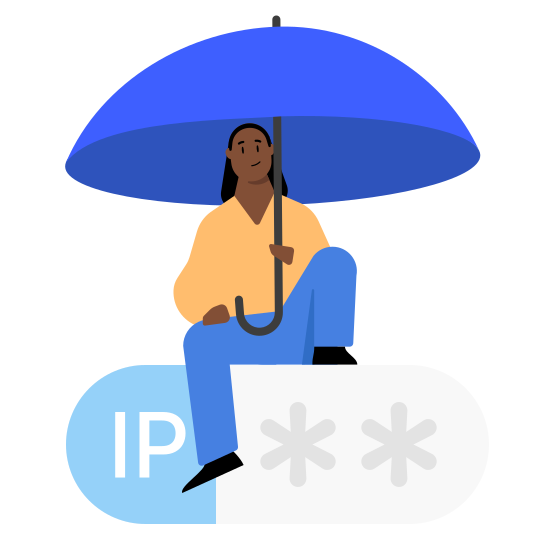
What is a DNS leak?
A DNS leak is an online security flaw that occurs when your computer sends DNS requests to the wrong server, potentially revealing your browsing activity and compromising your online privacy.
If you’re using a VPN or a proxy service, a DNS leak may show that your virtual private network isn’t working properly. However, DNS leaks can happen even if you’re not using a VPN. DNS affects almost everything you do online, so finding and fixing DNS leaks immediately is key.
What causes a DNS leak?
A DNS leak may happen for several reasons, such as:
What are the types of DNS leaks?
Standard DNS leak:
A device sends DNS queries to an unintended DNS server (e.g., an unsafe public server or an untrusted third-party DNS server).
IPv6 DNS leak:
A device uses the IPv6 protocol to send DNS queries. However, because not all VPN or proxy services support IPv6, these queries may be sent to an unintended DNS server.
WebRTC leak:
WebRTC is a communication protocol used for video and voice chats that may inadvertently reveal the user's IP address or DNS requests.
Router DNS leak:
Misconfigured DNS settings on a router may lead to the device sending DNS queries to unintended DNS servers.
Why should you check for DNS leaks?
Checking for DNS leaks helps protect your privacy and ensure that your internet browsing activity is not exposed to unauthorized and potentially malicious parties. You should check for DNS leaks regularly to verify your DNS requests go where they should and that your online activity remains private.

How do you check for DNS leaks?
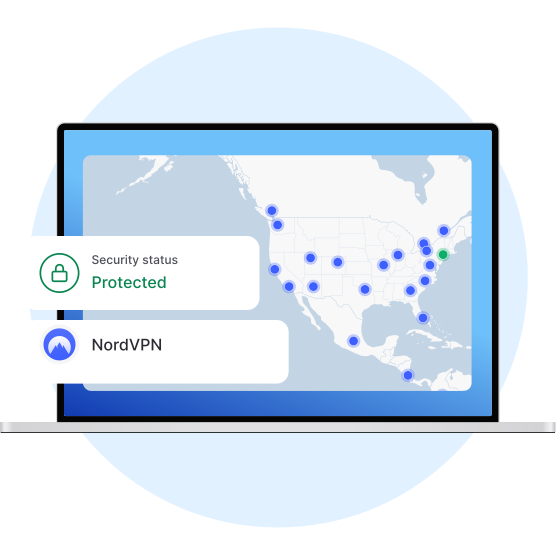
The easiest way to detect a DNS leak is using a specially designed DNS leak test. NordVPN’s DNS leak test tool checks for DNS leaks and shows whether your internet traffic is routed through your chosen DNS or going elsewhere. You’ll also find a guide on reading your results.
How to fix and prevent DNS leaks
Choose a VPN provider that has DNS leak protection enabled by default and uses its own DNS servers. NordVPN prevents DNS leaks by only using company-operated DNS servers. It sends all your DNS queries over an encrypted tunnel and resolves them on the same VPN server you’re connected to.
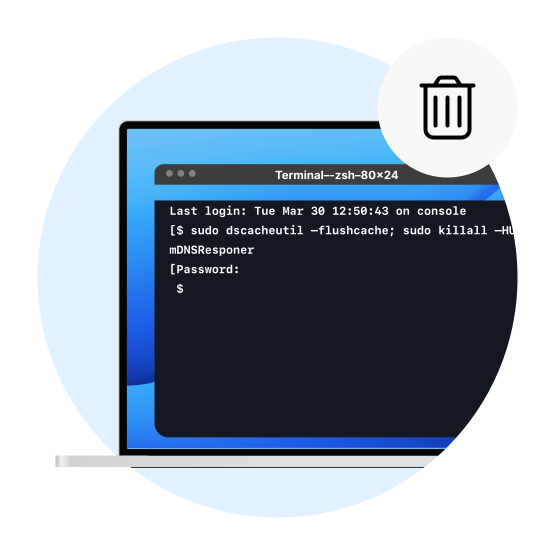
Sometimes, devices use outdated or incorrect DNS information. Clear your cache by running the “ipconfig /flushdns” command (Windows) or “sudo dscacheutil -flushcache; sudo killall -HUP mDNSResponder” command (macOS).