What is Call Protection?
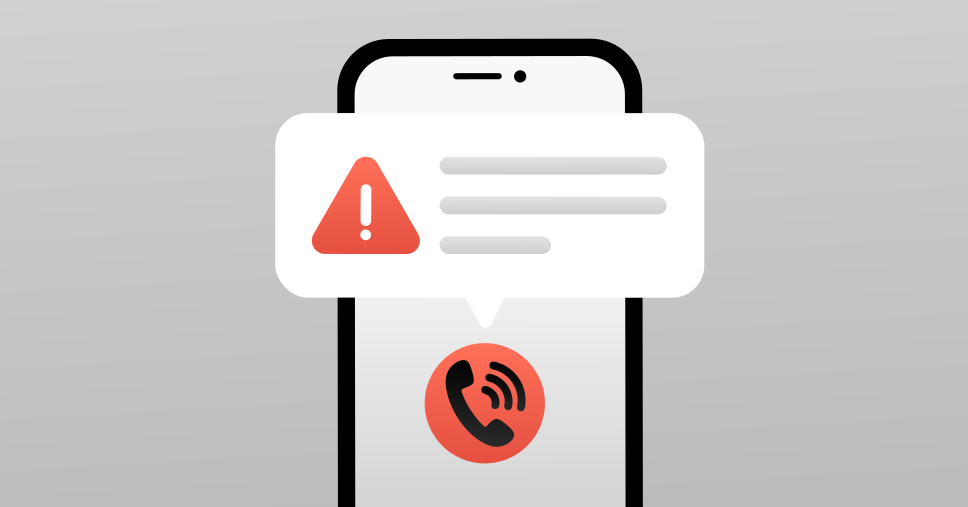
Call Protection is a NordVPN mobile app feature that alerts you when an incoming call is suspected to be a scam. It can help you avoid fraud and phishing, informing you about the risks before you answer. The feature works by analyzing the various intel to define phone number reputation, and informing the user by showing a warning message next to the caller's phone number. The feature doesn’t require any additional installation and works via the NordVPN Android app (for now, in the US, the UK, the EU*, Switzerland, Norway, Japan, Liechtenstein, Iceland, Australia, and Canada).
*Call Protection covers all 27 EU member countries, including: Austria, Belgium, Bulgaria, Croatia, Cyprus, Czechia (Czech Republic), Denmark, Estonia, Finland, France, Germany, Greece, Hungary, Ireland, Italy, Latvia, Lithuania, Luxembourg, Malta, the Netherlands, Poland, Portugal, Romania, Slovakia, Slovenia,Spain,and Sweden.
The feature is designed with a privacy-first architecture and works seamlessly in the background, regardless of whether you’re using a VPN or not. The feature is available to users that have a premium NordVPN subscription.
How to set up Call Protection
To set up the NordVPN's Call Protection feature, all you need to do is turn on your NordVPN mobile app on your Android device. Then, navigate to the Threat Protection screen and toggle the feature on. After that, the app will offer to redirect you to your phone’s settings, where you can finish the setup. Follow the app’s instructions and toggle all the required settings on in your Android settings. Once done, return to the NordVPN app, where you’ll get confirmation of successful setup completion.
Why do you need Call Protection?
Scam calls continue to increase across the U.S. (and globally). According to statistics from the FBI's Internet Crime Complaint Center (IC3), the losses sustained from scam calls rose by 33% in 2024, totaling up to $16.6 billion in stolen money. And this threat is not going anywhere, which means users are in need of new tools to safeguard themselves.
NordVPN’s Call Protection feature is one of these tools. While it seems a minor improvement, the power of this feature has strong benefits. Users often get scammed on mobile calls simply because they were too tired or overwhelmed to evaluate the scammers’ claims critically. Call Protection, on the other hand, gives an early warning, notifying the recipient of a potential scam attempt before they can pick up the phone. That puts the user on alert, likely making them less susceptible to social engineering attacks, phishing, and other scam scenarios which may result in financial loss or identity theft.
The creators of this feature seem to believe this promise as well.
“Our mission has always been to protect people’s digital lives,” said Mykolas Dumcius, chief product officer at NordVPN. “Call Protection extends that promise by offering users a way to defend themselves from phone-based scams — without compromising privacy.”
NordVPN Call Protection is the first step forward in defending users beyond just the internet, helping them stay safe and informed no matter how threats try to reach them.
Online security starts with a click.
Stay safe with the world’s leading VPN