DISCLAIMER
Please note that using NordVPN for any illegal activity is strictly prohibited and violates our Terms of Service. Make sure you use NordVPN in compliance with all applicable laws and regulations as well as the terms of any websites or services you access using NordVPN.
How to access Twitter (X) on restrictive networks
There are a few ways to access Twitter (X) on a restrictive network. Below, I’ll cover each one — starting with the most effective.
But before I get into the options, I want to make one point clear — tools like VPNs and proxies can help you access Twitter (X) on networks or in locations where it’s restricted, but you should use them carefully and responsibly.
In some places, restrictions on Twitter (X) are legally enforced. I recommend checking what’s permitted in your location first so you can make an informed decision.
With that in mind, let’s start with the most reliable option to access Twitter (X) — a VPN.
1. Use a VPN for Twitter (X)
A VPN, or virtual private network, routes your traffic through a server in another location. It replaces your IP address with the server’s and encrypts your connection, so your browsing is more private and secure.
A secure connection is especially important on public Wi-Fi and other shared networks. A VPN helps protect your traffic from monitoring on the local network and adds an extra layer of privacy while you browse the platform.
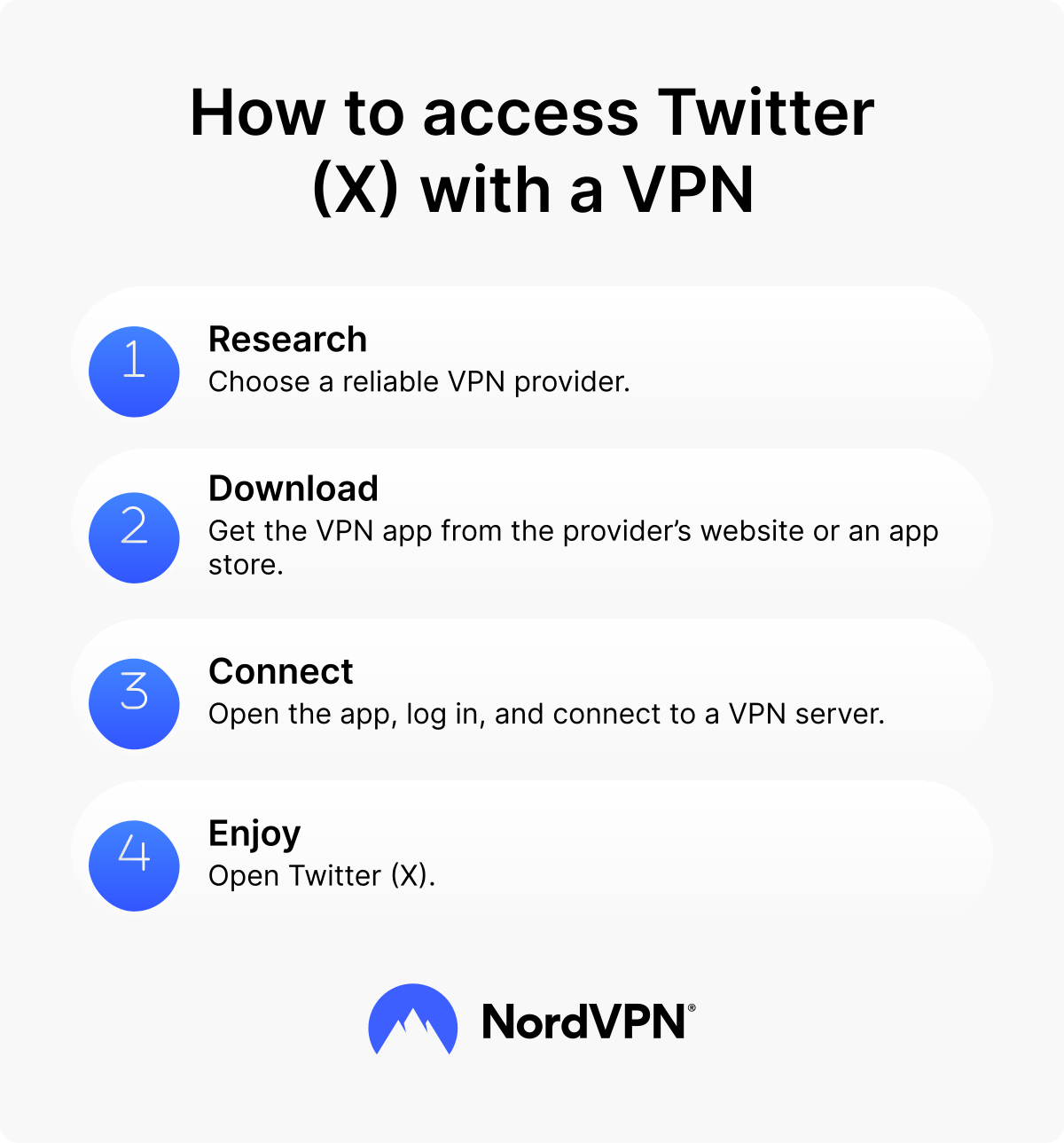
Here’s how to use a VPN for Twitter (X):
- 1. Get a NordVPN subscription.
- 2. Download the app for your device.
- 3. Open the app and connect to a VPN server.
That’s all it takes. Once you connect, you can browse Twitter (X) with a secure, encrypted connection.
VPN not working on Twitter (X)
If Twitter (X) isn’t loading while you’re connected to a VPN, or if the VPN won’t connect at all, try these steps:
- Restart the VPN app. A simple restart can fix temporary connection issues in the app.
- Check for app updates. An outdated VPN app can cause bugs or compatibility problems. If you’re using NordVPN, make sure you have the latest version installed.
- Switch to a different server. Some VPN servers may be overloaded, route traffic less efficiently, or use IP addresses that a service is more likely to flag. If Twitter (X) isn’t loading, disconnect and reconnect to a server in a different country.
- Use an obfuscated server. If you’re in a place where VPN traffic itself is restricted and you can’t connect to the VPN at all, try NordVPN’s obfuscated servers. These servers help establish a VPN connection on networks that block standard VPN traffic.
- Change the protocol. If you’re using NordVPN and obfuscated servers don’t resolve the issue, switch your protocol to NordWhisper in the app settings. The NordWhisper protocol is designed to make VPN traffic look more like regular HTTPS web traffic, which can help on restrictive networks.
- Consider your VPN provider. If you’re using a free VPN, that may be the issue. Free VPNs often have fewer servers, slower speeds, and weaker encryption — which can lead to VPN connection problems or unreliable access. Some may also log your activity or inject ads. For a more private and consistent experience, consider a reputable paid VPN provider.
2. Use mobile data
If you’re connected to a Wi-Fi network that blocks access to Twitter (X), switching to your phone’s cellular data is a quick fix. Mobile data runs through your carrier’s network rather than the local Wi-Fi connection, so the same network-level restrictions may not affect it. Turn off Wi-Fi on your device and switch to mobile data. Then open the Twitter (X) app again.
3. Try a proxy
A web proxy routes your traffic through another server, replacing your IP address. It can help with some local network restrictions without requiring you to install software — but it comes with important limitations.
Unlike a VPN, a web proxy usually only routes specific web traffic and may not provide the same level of encryption or traffic protection. That matters because many networks and restrictive governments use blocking methods that go beyond simple IP filtering, including DNS blocking, IP subnet blocking, and traffic analysis. Because of that, a simple web proxy won’t always work.
With that in mind, I’d treat a proxy as a last resort rather than a go-to solution. Free proxies in particular may log your activity or inject ads into your browsing session, so if you do use one, choose a reputable service.
To use a proxy, configure the proxy server details in your browser or device settings. Once you save the configuration, your browser traffic will route through the proxy server.
Why is Twitter (X) blocked in some places?
In some countries, governments restrict access to social media platforms like Twitter (X) as part of broader censorship measures. These regional restrictions can limit freedom of expression and access to information. If you’ve already checked whether Twitter (X) is down elsewhere and the issue appears to be tied to censorship in your country, a VPN can help you access it with greater privacy and security.
But some access issues have nothing to do with government restrictions. Some public networks — like Wi-Fi hotspots in cafes or airports — may also limit access to social media to manage bandwidth. In those cases, switching to mobile data is usually the fastest fix.
Protect your connection and access social media platforms you enjoy.
Access Twitter (X) more privately with a VPN
Disclaimer: The trademarks referenced are for illustrative purposes only. NordVPN is not affiliated with, sponsored by, or endorsed by the owners of those trademarks.
