Malicious website blocker: Enhance your online security with NordVPN’s next-gen antivirus
-
Advanced web protection for safer browsing.
-
Block dangerous scam and phishing sites.
-
Available with NordVPN’s next-gen antivirus.
What is a malicious website blocker?
A malicious website blocker is a security feature that automatically detects dangerous sites containing threats like phishing scams or malicious software and prevents users from accessing them. It compares the website you’re trying to visit against a database of malicious websites and analyzes it to spot suspicious activity and content.
What are malicious websites?
Malicious websites are dangerous web pages that cybercriminals set up to take advantage of unsuspecting internet users, ranging from phishing URLs designed to steal credentials to malware-infected sites that automatically download viruses. Common malicious website types include:
Phishing sites
They trick users into giving personal information.
Malware sites
They spread malicious software to users.
Scam sites
They deceive users to steal their money.
Adware sites
They install unwanted adware on devices.
Exploit sites
They use software vulnerabilities to access devices.
Drive-by download sites
They install malware on devices automatically.
Pharming sites
They redirect to fake websites that steal personal data.
Spoofing sites
They mimic real websites to trick users and steal their information.
Botnet sites
They infect devices and connect them to malicious networks.
Why block malicious websites?
Blocking malicious websites stops cyber threats before they ever touch your device. From stealing personal data to spreading malware, dangerous sites often disguise themselves as legitimate ones, making them easy to overlook even when you’re being careful. A malicious website blocker acts as your first line of defense, filtering out hidden threats automatically.
Benefits of NordVPN’s malicious website blocker
Using a malicious website blocker helps reinforce your online security because it:
Industry experts trust NordVPN
PCMag Magazine
Editors’ Choice 2026

Forbes Advisor
The Best VPN Provider 2025
CNN Underscored
Editors’ Pick 2024

Independent Advisor
Best VPN 2023
How does NordVPN’s malicious website blocker work?
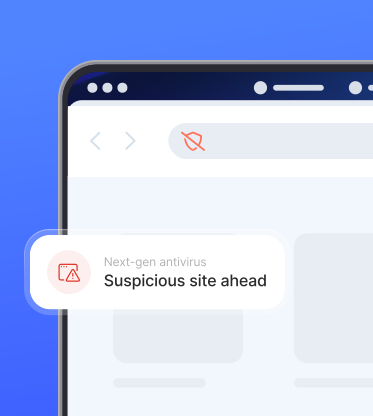
Our malicious website blocker uses machine learning technology for real-time protection, blocking digital threats and making you safer online. It does so with the help of a transparent proxy, which filters out unwanted and harmful content.
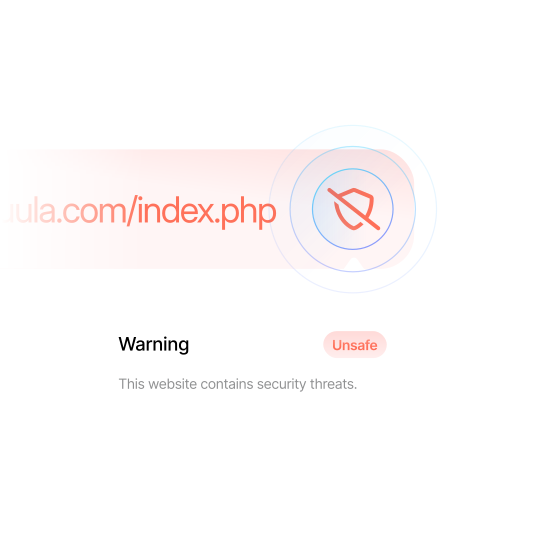
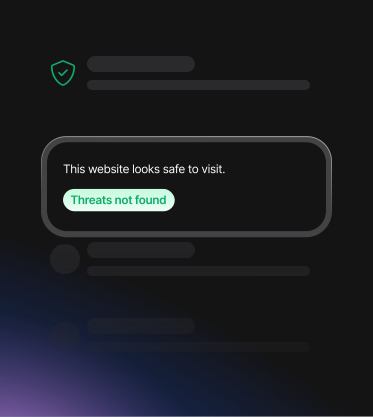
When scam, phishing, and malware protection is on, your internet traffic goes to the transparent proxy first before accessing a site. The proxy acts as a digital guardian, checking if the website you’re about to visit is dangerous. If it is, we block the website and show you a warning message instead. You can still choose to visit this website, but we wouldn’t recommend doing so.
How to enable NordVPN’s malicious website blocker
NordVPN’s malicious website blocker works on Windows and macOS devices. Simply set it up in the NordVPN app and enjoy safer and smoother browsing.
1. Open the NordVPN app
Download NordVPN for Windows and log in.
2. Click the shield icon
You’ll see it in the left-side menu bar.
3. Enable scam, phishing, and malware protection
Click “Turn on” under “Web protection.”
4. Go to “Advanced settings”
Scroll down to “Advanced browsing protection.”
5. Enable the malicious website blocker
Turn on the protection by clicking the toggle switch.
Scam, phishing, and malware protection is not available on the NordVPN app downloaded from the App Store.
How to identify malicious websites
One of the most effective ways to detect malicious sites is to use cybersecurity tools like NordVPN’s next-gen antivirus or a website link checker. However, if you don’t have access to these tools, you can learn how to check if a website is malicious manually.
Discover the next-gen antivirus features
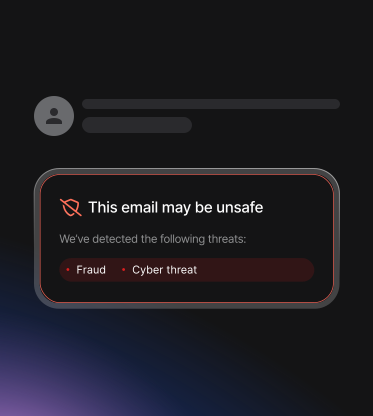
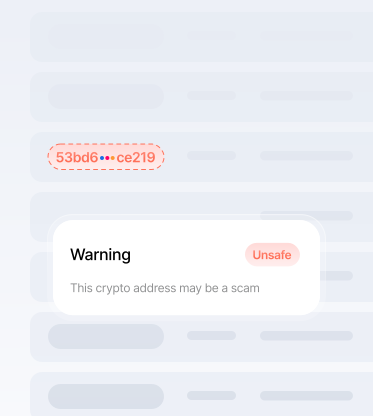
Think of our next-gen antivirus as a security system for your entire digital life — one that works quietly in the background so you don’t have to worry about cyber threats.
What users and experts say about NordVPN
Check out real reviews and independent feedback from across the web.













Download NordVPN for safer browsing
Automatically block malicious websites, phishing scams, and dangerous downloads before they ever touch your device.
30-day money-back guarantee